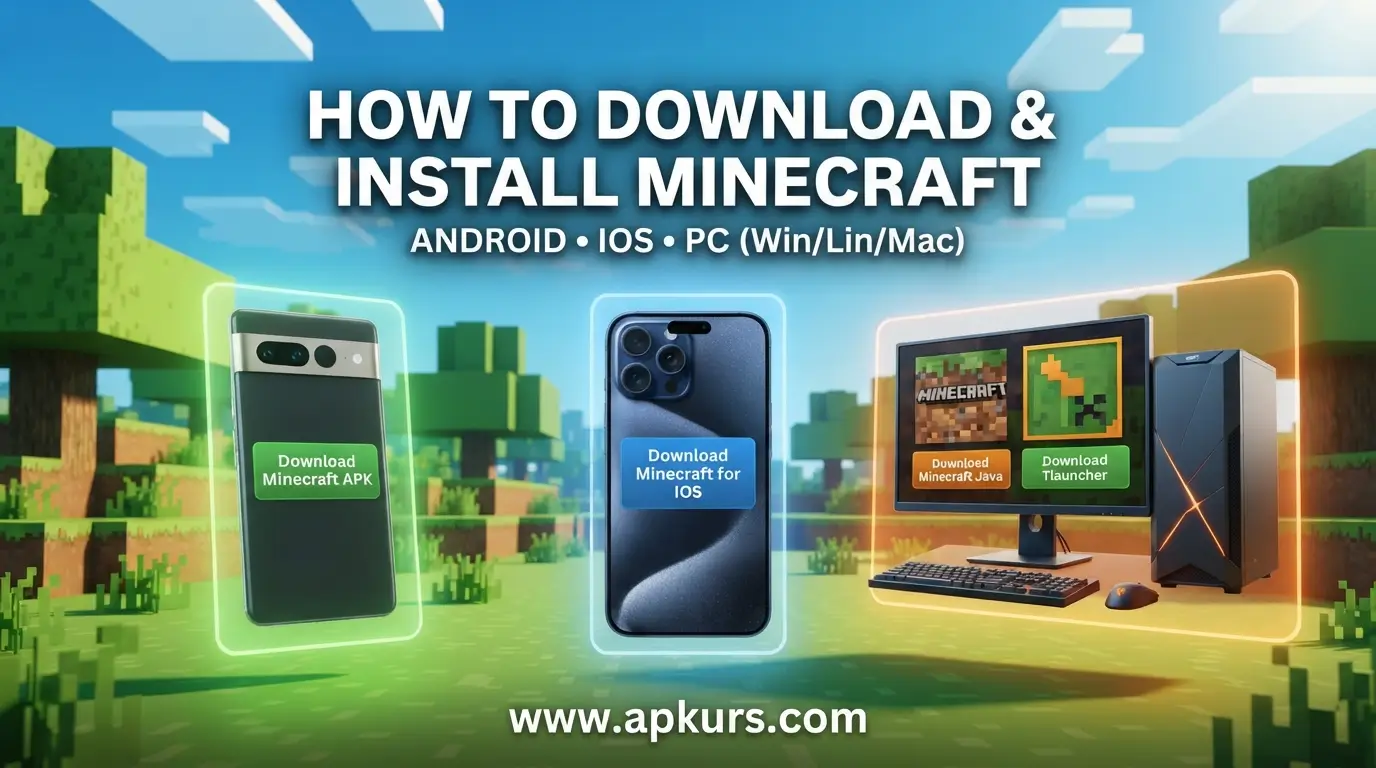
Complete guide on how to download and install Minecraft is given on this post, either you’re on Android, IOS, PC all instructions and process are given under, visit our main page for direct downloads www.apkurs.com.
For Android
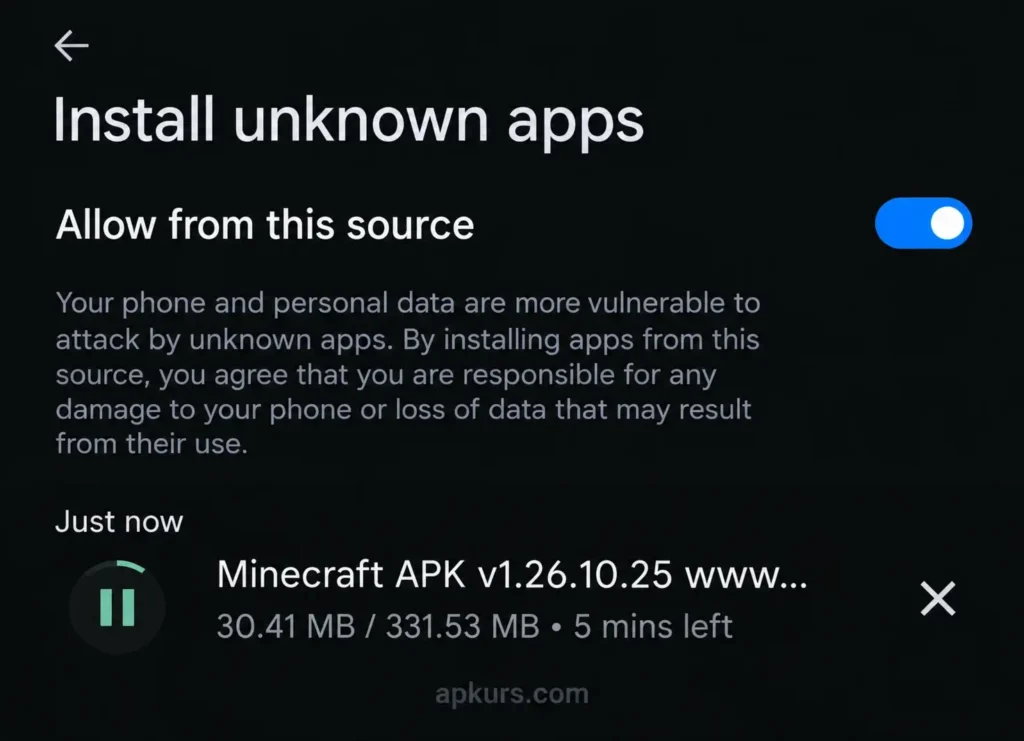
1 : For Android phones or tablets you can Download Minecraft APK file from this site, let the APK save to your device, then open it.
2 : Your phone might ask you to allow installs from unknown sources — just turn that on for a moment.
3 : And after that the game should install normally. After that, open Minecraft and sign in with your account (optional). Click Here to get detailed instructions.
Play Store Link : https://play.google.com/store/apps/details?id=com.mojang.minecraftpe
For IOS
Here is Direct link to Download Minecraft for IOS.
For PC (Windows, Linux Or Mac)
If you’re on a computer you can grab the original Java Edition from here. We’ve put up a download for Windows, another one for Linux, and one for Mac.
Windows
Official Method
Note : If you have official Minecraft account then use Official method.
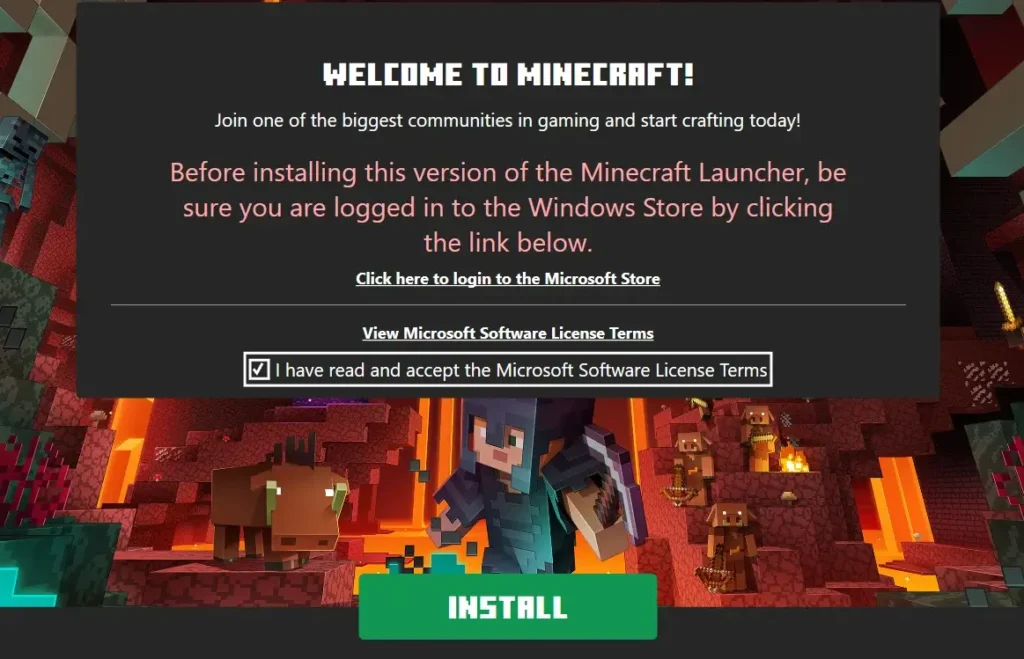
1 : To install Minecraft on Windows Download It from here
2 : After downloading, open the Minecraft installer and then click Install, it will start to download necessary files on your device.
3 : After it just click “ Lets Go “ create/login your Xbox account and enjoy!
Free Method
If you haven’t purchased Minecraft then Tlauncher is for you! Here are steps to download and install it for Windows
1 : First of all, download this Tlauncher Installer for Windows
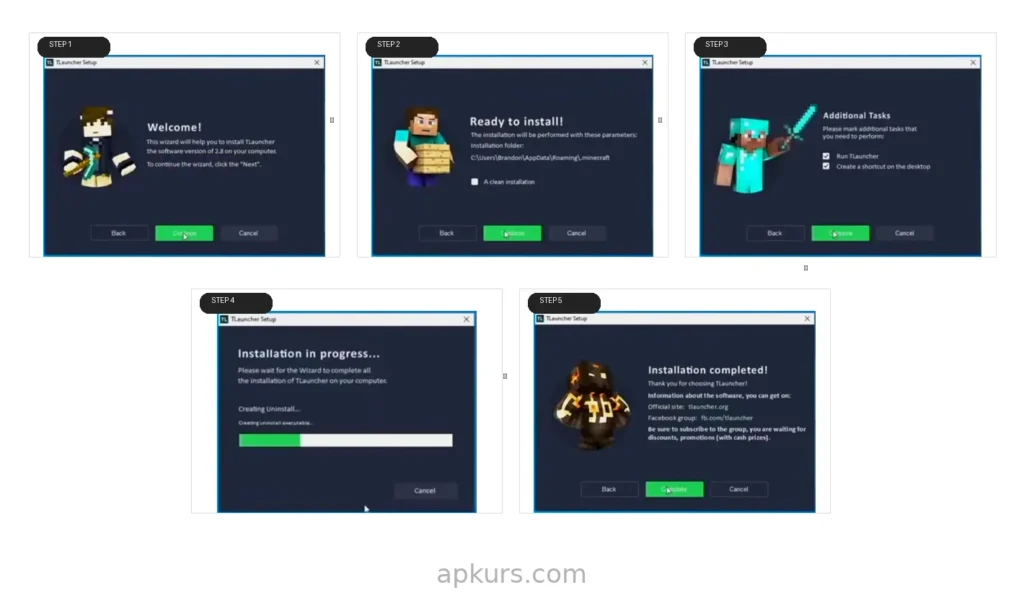
2 : After downloading, open the installer and then you have to complete various steps that aren’t complicated at all. Steps of it are given as image.
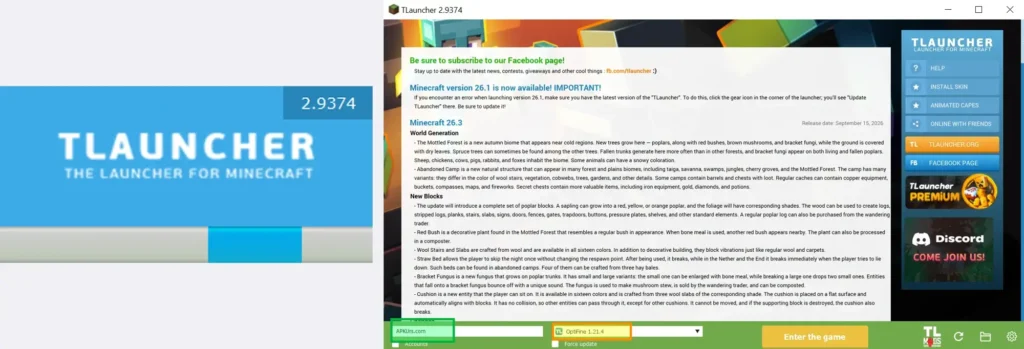
3 : After those steps Tlauncher will automatically launch, it will load a little bit and then a screen will pop up of Tlauncher select version, write your name and then enjoy!
Linux
1 : To download Minecraft for Linux, download this file
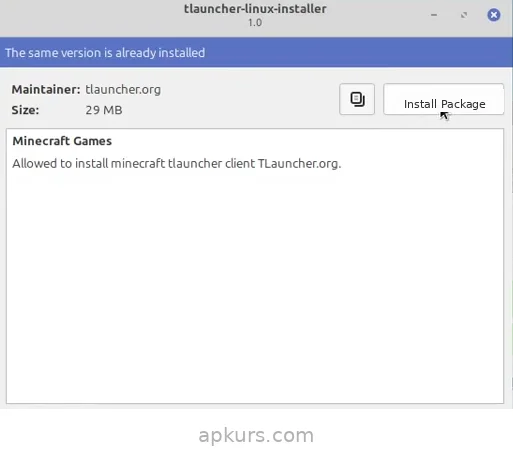
2 : After downloading, run the installer and click “ Install Package “
3 : When it’s done, then just run the Tlauncher client, select the version and install it and enjoy!
Mac
You can download both Tlauncher And Official Minecraft in Mac steps are given below
Tlauncher : If you don’t have an official Minecraft account Install Tlauncher file from here, after it run the installer, let it install and enjoy Minecraft for free!
Minecraft Launcher : If you have an official Microsoft account that has Minecraft in it Download Minecraft Launcher from here, after it run the installer, install Minecraft Launcher Login the Microsoft Account and enjoy it!