
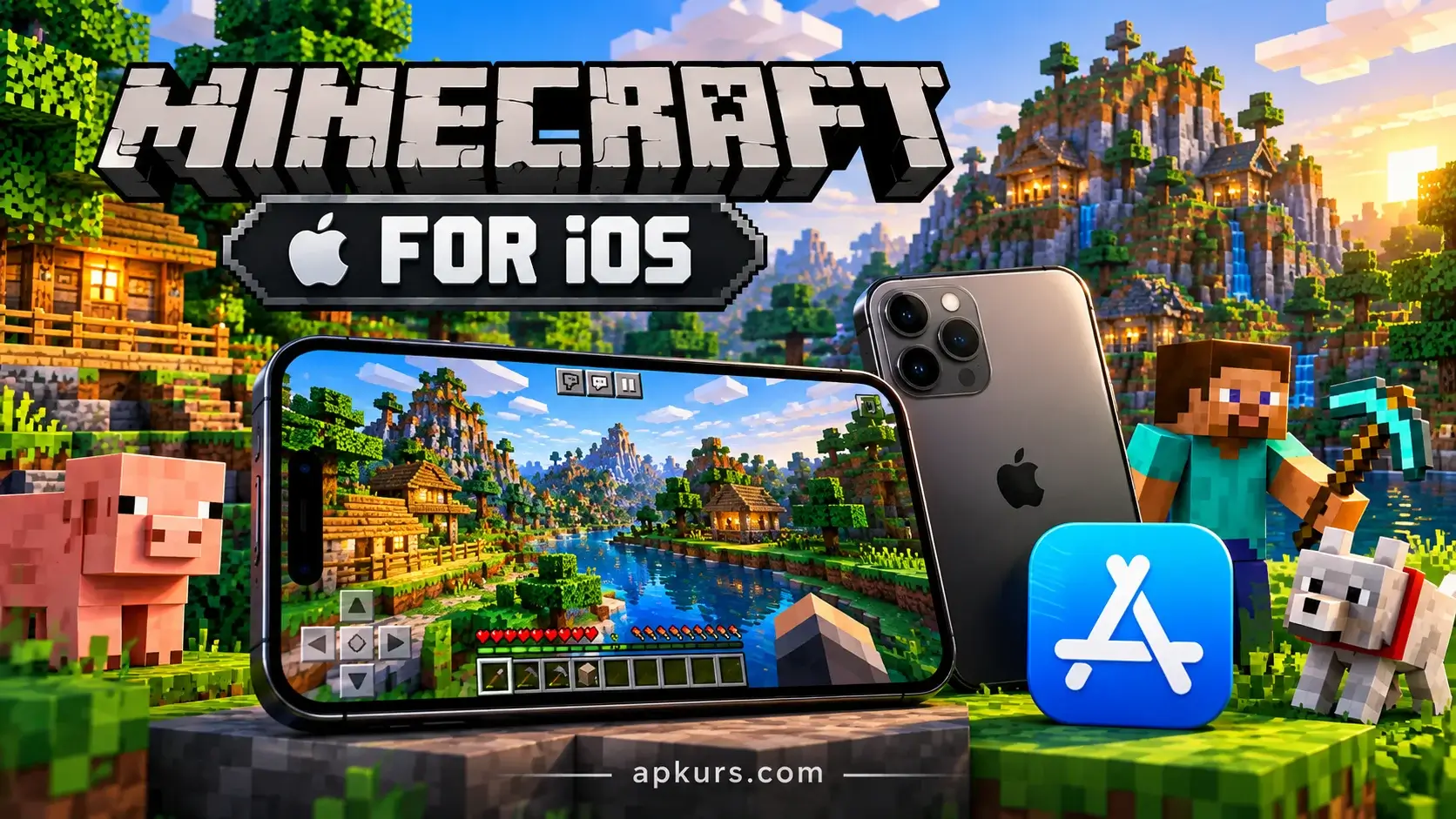
Intro of Minecraft iOS
Here is your world of infinite joy right within reach of your fingers. The iOS Minecraft app is the official version of the well-known sandbox game for your iPhone or iPad. You can build high towers while commuting in the morning or mine caves with your iPad and gamepad.
Seamless cross-platform compatibility guarantees that you can do it whenever you wish and wherever you may be.
However, in contrast to ordinary computer versions of the game, there are some features here that you need to know about beforehand. This advice will help you get maximum satisfaction from your game.
Do you wish to know how to configure your graphic settings, play with friends through the Xbox Live network and backup your game worlds? Let us proceed straight to the full guide!
How to download Minecraft for iOS
the mobile mining adventure starts in the Apple App Store. It is safe to get the Minecraft app on your device. At first, you need to have an operating system that can run the Minecraft app. Sideloading should be avoided since your device can easily get infected with viruses if you use this option. Automatic updates will be done through the App Store.
Mastering Controls: Touch vs. Controller on Minecraft for iOS
Touch screen controls make sense when playing games for short periods of time. It is hard to build a massive structure on a small phone screen. Surviving from monster attacks in such situations is also not easy. But there is good news that Minecraft allows playing with Bluetooth game controllers. PlayStation and Xbox controllers can be connected without any difficulties.
Customization: Importing Skins and Add-ons via the Files App for Minecraft
New Apple users often struggle with game customization. Apple devices use closed file system directories. iOS handles files differently than Android or PC. You must use the built-in iOS Files app.
Download .mcpack or .mcworld files using Safari. You can also transfer these files from your computer. Simply tap the file on your screen. Choose the “Share” option from the menu. Open the file straight away with Minecraft.
This process instantly imports new texture packs. It also adds custom maps and behavior addons. Players love changing their visual style. You can save custom PNG skin templates. Upload those skins inside the in-game dressing room. Your character will look unique in multiplayer servers.
Playing with Friends on Minecraft iOS
No matter how much fun friends add to playing Minecraft, the iOS version helps you get connected seamlessly with other players from all sorts of gaming devices like Windows PC, Xbox, PlayStation, Nintendo Switch, and more. If you wish to play cross-platform games, you simply need to sign in through the built-in game menu with your Microsoft or Xbox Live account. After that, you have no problem adding your friends through their gamertag or jumping right into local Wi-Fi world
Performance Tips & Troubleshooting Common iOS Bugs
Despite how potent Apple gadgets may be, they may still encounter frame drops, lagging, and world-saving glitches if you do not take the necessary measures to optimize the game. For this reason, navigate to video settings and reduce settings such as render distance, turn off fancy graphics, and switch off smooth lighting if you are playing using an old version of iPhone. Should your game encounter crashes or lags, clean the background apps or free up space in a safe way. All you need to do is to export and back up all the .mcworld files in iCloud Drive prior to clearing cache.
Conclusion & Call to Action
Become a master of Minecraft on iOS to turn your iPhone or iPad into a pocket power house of imagination and survival games. From tweaking your controls, using the Files app to customize skins, or making big redstone creations with your friends on various platforms, there is no end to what you can do by playing Minecraft on an Apple device. All that’s left for you to do is apply everything you have learned, start your device, and begin building your dream world. What is the coolest structure you ever built while playing Minecraft, and are you an iPhone user or iPad user?
- Click here to visit main page of our site!
- Click here to download Minecraft through app store