
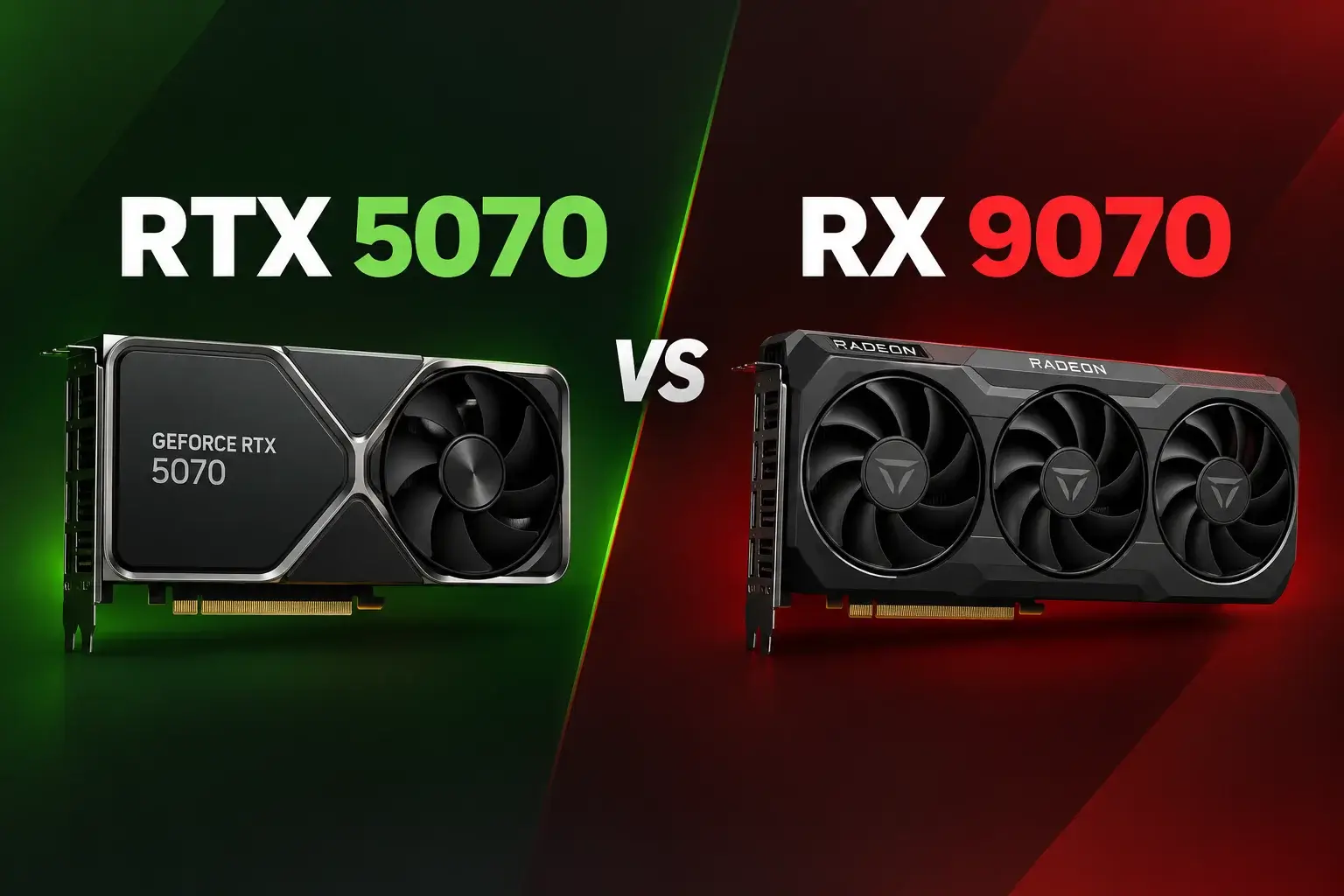
Introduction: RTX 5070 vs Rx 9070
Deciding on the most appropriate mid-range graphics card to use in your PC build is not an easy task. The NVIDIA GeForce RTX 5070 and AMD Radeon RX 9070 face off against each other in terms of gamers’ requirements for high-refresh-rate 1440p Gaming Benchmarks and 4K resolution performance.
While NVIDIA aims at users who want high-speed GDDR7 memory, real-time ray-tracing technology and DLSS 5 AI, AMD counters with its larger 16GB VRAM frame buffer and high-performing raw rasterization capabilities per dollar spent.
Technical Specifications Comparison
| Feature / Specification | NVIDIA GeForce RTX 5070 | AMD Radeon RX 9070 |
| GPU Architecture | Blackwell (TSMC 4N) | RDNA 4 (4nm) |
| VRAM Capacity | 12 GB GDDR7 | 16 GB GDDR6 |
| Memory Bus Width | 192-bit | 256-bit |
| Memory Bandwidth | 672 GB/s | 640 GB/s |
| Thermal Design Power (TDP) | 250 W | 220 W |
| Recommended Power Supply | 600 W | 650 W |
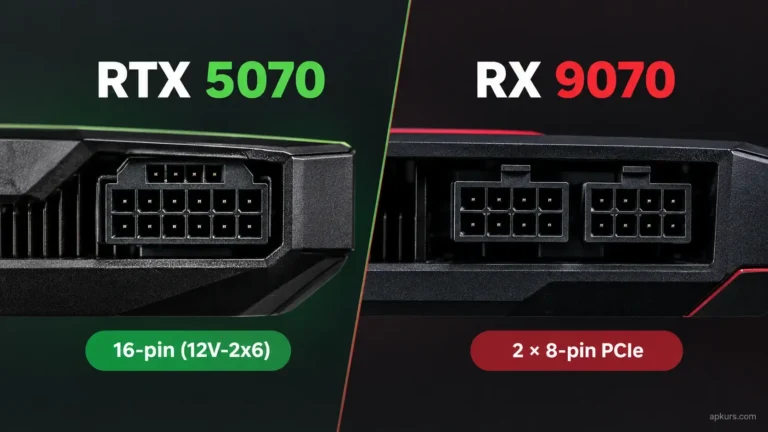
| Power Connector | 1x 16-Pin (12V-2×6) | 2x Standard 8-Pin |
| Upscaling Technology | DLSS 4 & DLSS 5 (Neural Rendering) | FSR 4 (AI Upscaling) |
| Launch Price (MSRP) & Current Price | $549 USD —– $629 to $869 | $529 to $549 USD —– $699 USD |
VRAM & Memory Architecture Breakdown
The amount of video memory or VRAM becomes essential to playing advanced AAA titles using high-resolution texture kits. NVIDIA has equipped RTX 5070 with 12 GB of cutting-edge GDDR7 memory. The 192-bit memory interface supports a memory bandwidth of 672 GB/s, which is quite significant.
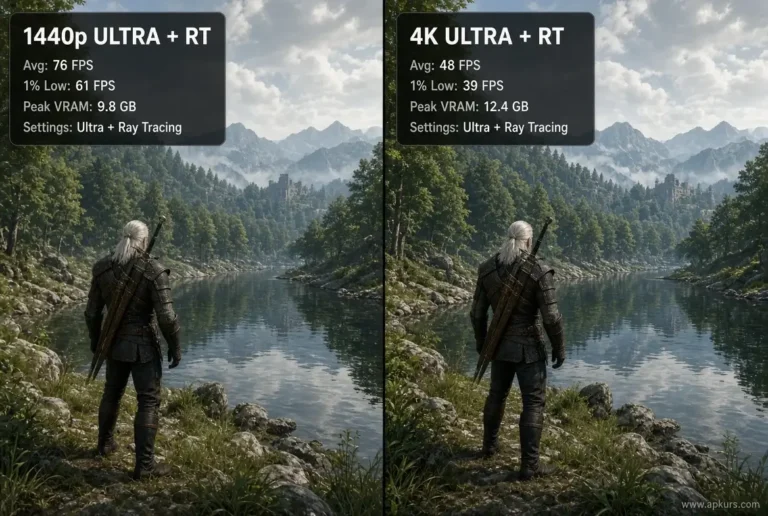
Conversely, AMD equips the Radeon RX 9070 with a 16 GB GDDR6 VRAM buffer across a wider 256-bit bus. Having an extra 4 GB of VRAM provides essential headroom to prevent VRAM bottlenecks in memory-heavy 4K games and custom graphic mods, giving the RX 9070 superior future-proofing for heavy visual workloads.
Gaming Benchmarks: 1440p & 4K Rasterization Performance
In traditional rasterization (games running without ray tracing), both cards deliver smooth frame rates across demanding titles:
- 1440p QHD Performance: The AMD Radeon RX 9070 delivers exceptional raw frame rates in pure rasterized titles like Call of Duty, Resident Evil 4, and Rasterization Benchmarks, often rivaling more expensive GPUs.
- 4K Ultra Settings: At 4K resolution, the RX 9070 benefits significantly from its 16 GB memory buffer, maintaining smooth 1% low frame rates where 12 GB cards like RTX 5070 can experience frame stutters.
Ray Tracing, DLSS 5, and AI Features
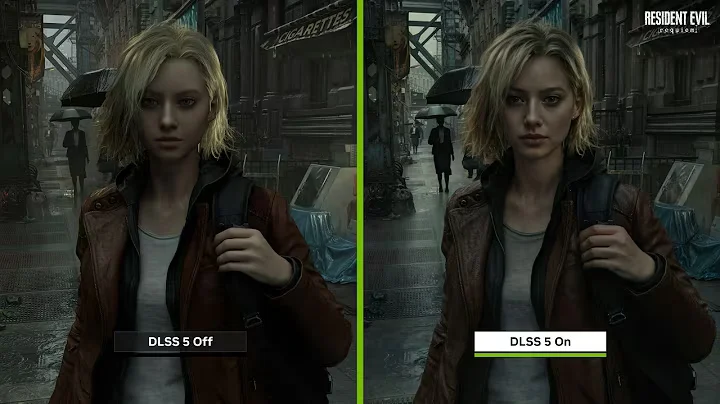
NVIDIA continues to lead in ray tracing workloads. The Blackwell architecture on the RTX 5070 handles real-time path tracing, global illumination, and ray-traced shadows smoothly. Through the introduction of DLSS 5 (3D-Guided Neural Rendering), users of RTX 50 Series cards will now be able to leverage AI-driven improvements in lighting and materials, in conjunction with DLSS Multi-Frame Generation, in 2026 AAA games.
AMD built the RX 9070 on RDNA 4 architecture, incorporating upgraded Ray Accelerators and FSR 4 AI upscaling. While it significantly improves ray tracing efficiency over previous generations, NVIDIA still holds the overall edge in heavy path-tracing scenarios.
Power Consumption and PC Building Requirements
Power efficiency and thermal management are vital considerations when building or upgrading a PC:
- RTX 5070 Power Consumption: Uses up to 250 W TDP and needs a 16-pin power connector. Most of the custom-made graphics cards include this dual-8 pin to 16-pin power cable adapter inside the package.
- RX 9070 Power Consumption: Works within a low power consumption range of 220 W TDP. It also utilizes normal 8-pin power connectors, which makes it very easy to install.
Content Creation & Workstation Productivity
Beyond gaming, these graphics cards serve creators working in video editing, 3D animation, and local AI workloads:
- NVIDIA RTX 5070 for Creators: Excels in Adobe Premiere Pro, DaVinci Resolve, and Blender rendering thanks to dedicated CUDA cores, OptiX acceleration, and dual AV1 hardware encoders.
- AMD RX 9070 for Creators: Handles OpenCL and video editing tasks well, but CUDA optimization across industry software gives NVIDIA the edge for professional workflows.
Pros and Cons Comparison
RTX 5070
| Pros: | Cons: |
| Superior ray tracing performance and DLSS 5 Neural Rendering support. | Stronger performance in creative workloads like CUDA video editing and 3D rendering. |
| Faster GDDR7 memory bandwidth. | Higher local price tag in regional markets. |
| Stronger performance in creative workloads like CUDA video editing and 3D rendering. |
RX 9070
| Pros: | Cons: |
| Larger 16 GB VRAM capacity for extra memory headroom. | Slightly slower ray tracing performance compared to NVIDIA. |
| Lower 220 W power draw with standard 8-pin power connectors. | FSR upscaling support varies across smaller indie titles. |
| Lower overall price point for price-to-performance value. |
Frequently Asked Questions (FAQS)
Final Verdict & Recommendation
Selecting one out of the two graphics cards is entirely dependent on individual needs for gaming.
In case you require an elite level of ray-tracing performance along with DLSS 5 technology and CUDA technology for video editing, then go for the NVIDIA RTX 5070. In case you prefer having 16 GB of VRAM, less power usage, and 8-pin power cables, then opt for the AMD RX 9070.